For architects and designers
Bring your team into the drawing
PDF markup and drawing review in a shared workspace. Develop ideas together, coordinate revisions, and keep decisions connected from the studio to the site.
01 Create markups
From first ideas to the project record
From early ideas through construction administration and project completion, markups shape the project. They communicate design intent, coordinate changes and become part of the project record—so each note needs to be clear, reliable and easy to trace. Deta gives you the tools to sketch, highlight, measure and explain decisions directly on the drawing.

02 Collaborate
Your team, on the same drawing
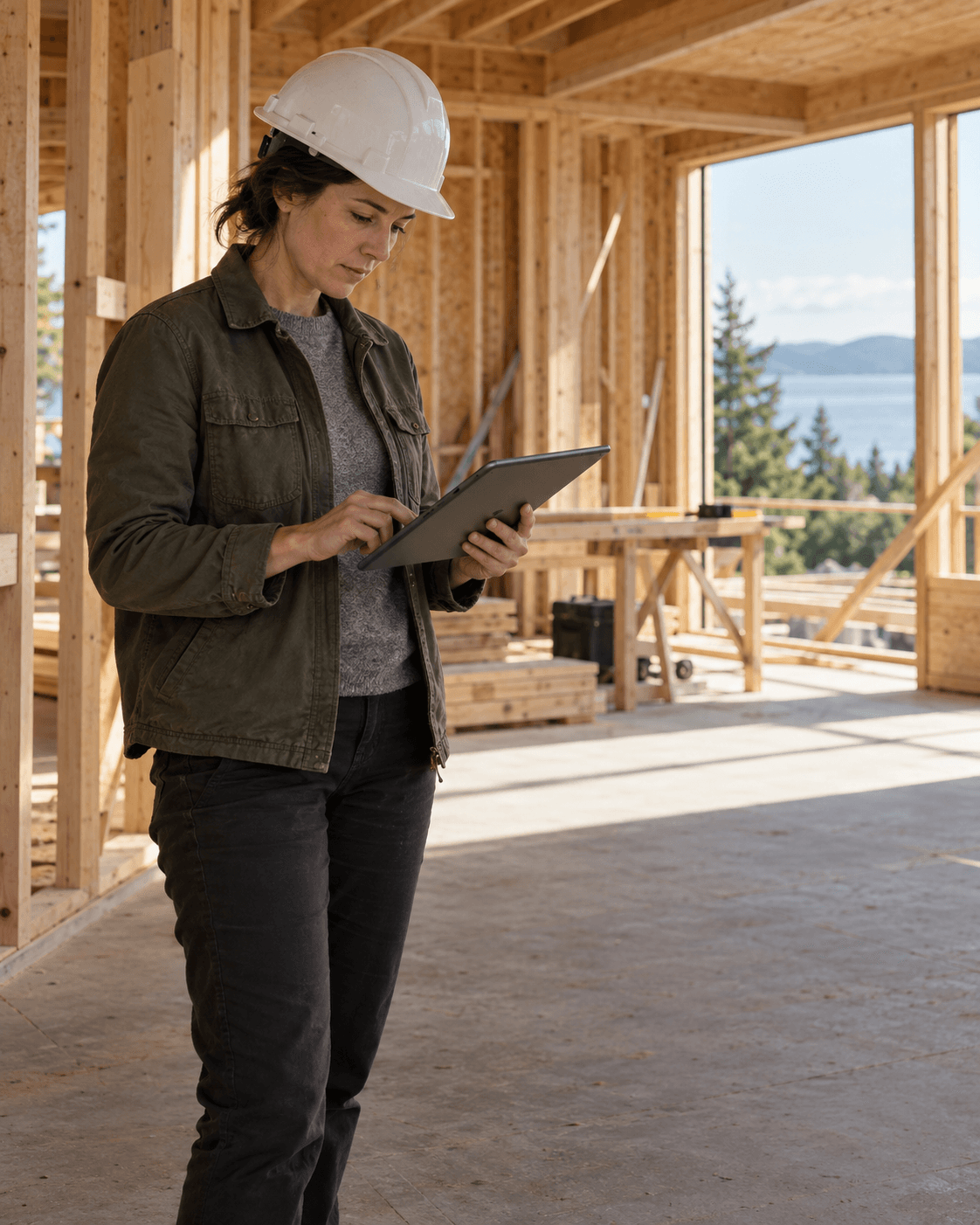
Deta Cloud brings drawing review and teamwork into one shared space. From the studio or the site, your team can work on the same drawing in real time from any device, see one another’s cursors and build on each other’s markups. Ideas, questions and decisions stay connected to the plan.

03 Version control
Deta keeps your project organized
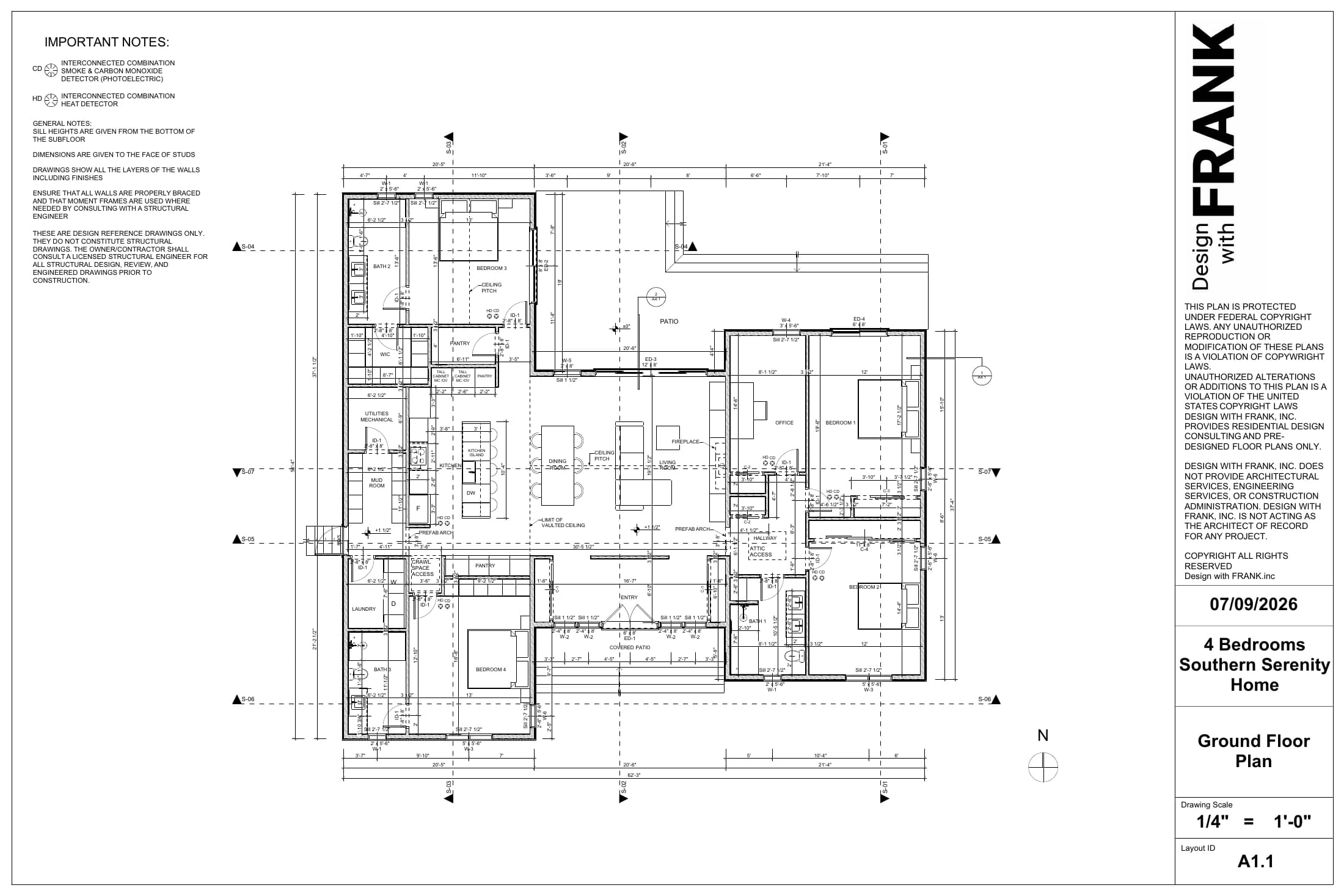
File revisions, markup branches and issued copies come together in one connected history. Your team can follow how the design developed, trace each review to the right drawing and find exactly what was circulated.
Try Deta now V3
V3Issued by Maya Chen
Source updated · 27 Oct
Team coordination
A1.1_Rev03_review.pdf
Structural coordination
Issued by Maya Chen
Site observations
A1.1_Rev02_review.pdf
Concept review
04 RFIs and punch lists
Deta simplifies RFIs and punch lists
Keep RFI discussions and punch-list follow-up tied to the drawing. Attach site photos and files to the thread, work through replies with your team, and track status changes in the event history. The question, supporting evidence and response stay together as items move toward resolution.
Drawing review for architects
What should architects look for in PDF markup software?
Architectural review involves sketching alternatives, coordinating disciplines and communicating decisions that others will build from. PDF markup software should make those intentions easy to understand and keep feedback connected to the correct drawing revision.
Deta supports freehand sketches, highlights, revision clouds, hatch fills, measurements and callouts with multiple leaders. These tools work alongside collaborative review and version history, helping your team move from an early design discussion to a coordinated drawing without losing the context behind the changes.
Can I use Deta with drawings from Archicad or Revit?
Yes. Publish your layouts from Archicad or export your sheets from Revit as PDFs, then bring them into Deta for review. Architects, consultants and contractors can discuss the same plans, sections and details even when they use different design software.
Continue developing the model in Archicad or Revit, then add the revised PDF to the existing drawing in Deta. You can compare drawing revisions and continue the relevant review. This workflow uses exported PDFs; it does not require Deta to open or edit the native authoring file.
How can architects and consultants review drawings together in real time?
A shared drawing gives the team a common place to explore a question, test an alternative and agree on the next revision. In Deta Cloud, people reviewing the same page, version and markup branch can see one another’s cursors and markups as they work.
An architect in the studio and a consultant on site can point to the same detail and develop the response together. Comments and replies also let the conversation continue between meetings, while collaborative whiteboards provide space for broader sketches and design exploration.
How do I keep drawing revisions and different reviews organized?
A revised drawing and a new round of comments are different things. Keeping that distinction clear helps a team understand which drawing was reviewed and whether earlier feedback still applies.
Deta’s version tree connects each PDF revision with its markup branches and issued copies. Branches let you keep separate reviews or design alternatives on the same version. When a revised PDF arrives, earlier reviews remain attached to their original drawing, and you can copy a branch forward to continue the work. Drawing comparison helps identify changes between the base PDFs.
How can Deta help architects respond to RFIs?
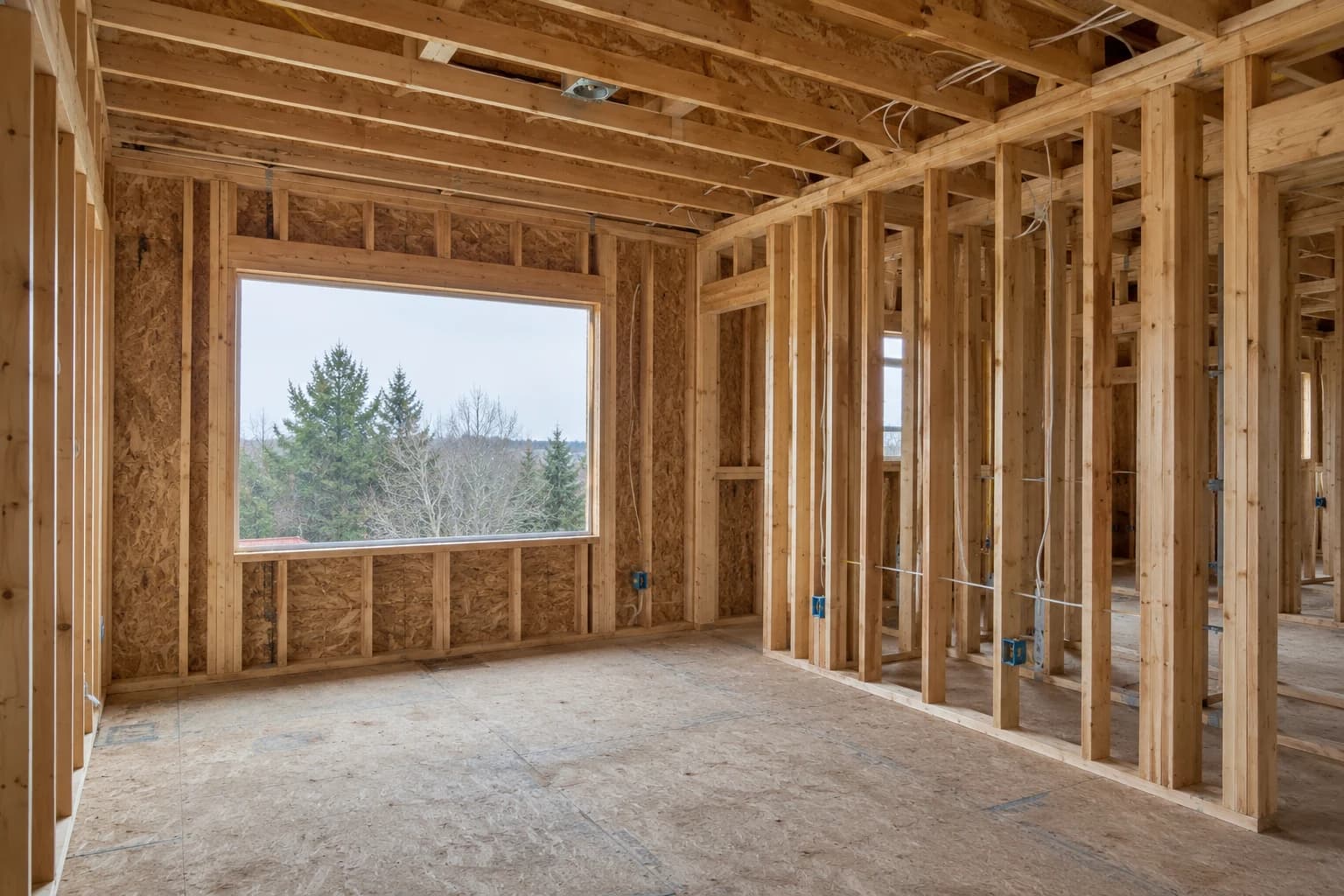
An RFI is easier to understand when the question, affected detail and supporting evidence can be reviewed together. A photograph of a site condition often explains something that a written description alone cannot.
In Deta, you can locate the question on the drawing, attach site photos or files to its thread, and discuss the clarification with the project team. Replies and status changes remain in the event history, preserving the context behind the response and making outstanding follow-up easier to identify.
How can architects use Deta for punch-list reviews?
Punch-list observations need a clear location, a description of the incomplete or deficient work, and enough context for someone else to follow up. Keeping that information together makes subsequent inspections easier to review.
With Deta, your team can mark the location on the drawing, attach photographs and record the discussion in a thread. Status changes show how an item progresses, including when it is completed or reopened. The history helps distinguish an outstanding observation from work that was previously reviewed and needs further attention.
You can also export a printable punch list from your comment threads. Choose Comments → Summary when exporting the PDF to include numbered markers on the drawings and a corresponding summary of observations, current statuses and replies.
How do I preserve a record of what was reviewed and issued?
Working markups continue to evolve, but the copy circulated at a particular milestone needs to remain identifiable. Deta keeps drawing versions and their review branches together, while markup event history records replies and status changes.
When you issue a drawing, Deta creates a dated, fixed PDF with the selected branch’s markups flattened onto the drawing. That issued copy remains available in the version tree as the working review continues. Comment threads and their attachments remain in Deta and are not included in the issued PDF.
Bring your team into the drawing
Open a drawing in Deta, invite the people reviewing it, and work through the next revision together.
Try Deta