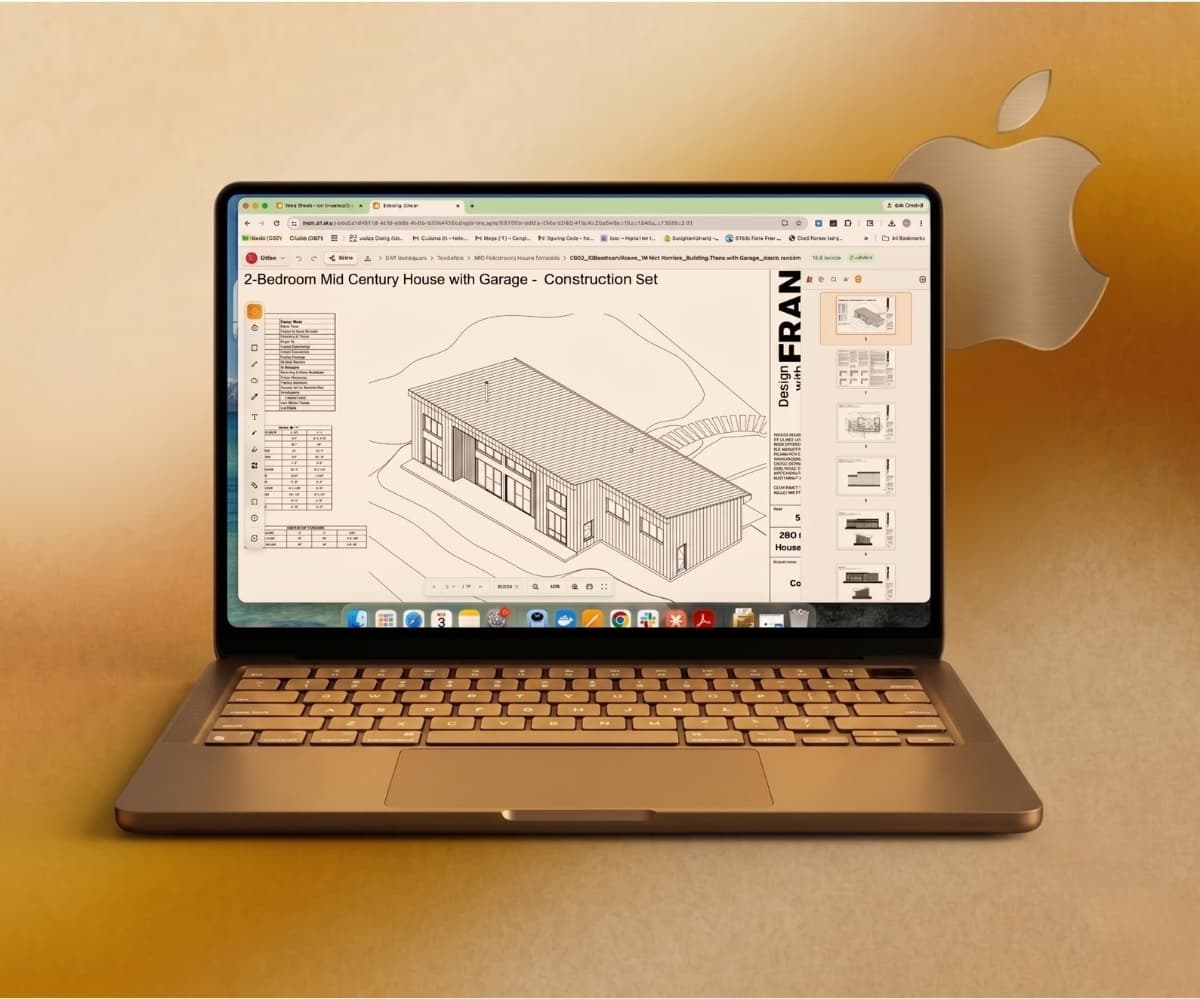
If you run an architecture, engineering, or construction practice on a Mac, you already know the awkward truth: the industry's most recognized PDF markup tool doesn't really live on your platform anymore. You can love your MacBook, your Studio Display, and your iPad, and still feel like a second-class citizen every time a drawing set lands in your inbox.
This guide explains why that happened, walks through every option Mac users actually have in 2026, and shows you how to mark up and review construction PDFs natively in the Apple ecosystem — without bolting Windows onto your machine.
Does Bluebeam work on Mac?
Short answer: not natively, and not the way it used to.
Bluebeam quietly wound down its Mac product years ago — development stopped around 2020, and support for the Mac version ended entirely in 2023. The last Mac build only runs reliably on macOS Mojave, an operating system Apple itself no longer supports. On a modern Apple Silicon Mac (M1, M2, M3, M4), there is no current, supported, native version of Revu to install.
That leaves Mac-based AEC teams with two official workarounds, and a growing field of purpose-built alternatives.
The two "official" Mac workarounds — and why they frustrate people
1. Run Windows on your Mac with Parallels. You install a virtualization layer, install a licensed copy of Windows 11 (the ARM edition on Apple Silicon), and then install and license Revu inside that virtual machine. Recent Revu releases run faster on ARM Macs through this path than they used to. It works — but you're now paying for and maintaining Parallels, a Windows license, and a Revu subscription, and you're managing software updates across two operating systems just to redline a PDF. For a small firm, that's a lot of overhead and cost for one task.
2. Use Bluebeam Cloud in a browser. The browser version lets you open Studio Sessions and Projects, mark up files, and collaborate online from macOS. It's the lighter, more convenient option — but it's widely described as a reduced experience compared to the full Windows desktop app. Mac and iPad users routinely report that Cloud doesn't replicate everything Revu does on the desktop, which is exactly the gap that sends people searching for something else.
Neither path was designed for the Mac. They're ways to tolerate a Windows-first product on Apple hardware.
Why Mac-first AEC teams are switching tools entirely
The platform problem is the headline, but it's rarely the only reason teams move on. The friction points that come up again and again:
- Windows dependency. Mixed-OS offices and iPad-heavy field crews hit walls fast when the core tool assumes Windows.
- Per-seat licensing cost. Named-user pricing adds up, especially when you only need occasional access for a subcontractor, consultant, or owner who shouldn't have to buy a full license just to leave one comment.
- Pricing changes. The shift to subscription-only pricing and subsequent price increases pushed a lot of long-time users to re-evaluate.
- Learning curve. Revu is powerful, and that power comes with a steep ramp that's overkill for a two-person studio doing QA/QC reviews.
- Collaboration that's stuck in the past. Modern teams expect real-time, cloud-first review where the latest markup is always live — not files emailed back and forth or external reviewers gated behind licenses.
What to actually look for in a Bluebeam alternative for Mac
If you're going to move, move to something that fits how a Mac-first AEC team really works. Use this as your checklist:
- Truly native to the Apple ecosystem — runs cleanly on macOS (Apple Silicon and Intel), Safari, and iPad without virtualization or a Windows license.
- Real construction markup tools — annotations, redlines, revision clouds, callouts, and stamps, not just a generic PDF reader.
- Measurement and takeoff — calibrated scale plus distance, area, and perimeter, because reviewing a drawing usually means measuring it. (We cover this in depth in our guide to measuring on a PDF on a Mac.)
- Real-time, cloud-native collaboration — markups that sync live, with shareable review links so consultants and clients can participate without buying a seat.
- Pricing that doesn't punish small teams — predictable cost, and a way to invite outside reviewers without per-seat lock-in.
- Low learning curve — your team should be productive in the first session, not after a training week.
DETA Studio: cloud-native PDF markup built for Mac
DETA Studio is built for exactly this problem. It runs entirely in your browser, so it works on any Mac, PC, iPad, or phone with nothing to install and no Windows layer to maintain. Because it's cloud-native rather than Windows-native, there's no Mojave-only build, no Parallels, and no virtual machine — you open a drawing on your Mac and start reviewing.
The toolset is construction-focused, not general-purpose: annotations, redlines, revision clouds, measurement tools, and area calculations are the core, not afterthoughts. And because review is collaborative by design, markups live in one place where your team — and your outside consultants and clients — can see the latest version instead of chasing the right PDF through an email thread.
Real-time collaboration across every device — just share a link
Here's the part that matters most for mixed teams: because DETA Studio lives in the browser, collaboration works the way Google Docs does. You share a link, and your teammate opens the drawing and starts marking up alongside you — live. There's nothing to install and no platform requirement, so it doesn't matter whether the next person is on a Windows desktop, an iPad in the field, an Android phone, or another Mac. Everyone lands on the same file, sees the same markups appear in real time, and works from one current version instead of "Rev_C_final_v2_FORREAL.pdf" bouncing around an email chain.
That solves the exact problem that makes Bluebeam painful for Apple-first teams. Instead of one OS holding the "real" version while everyone else makes do with a reduced web experience, your whole project team — architects, engineers, the GC, the subs, the owner — collaborates in the same place regardless of the hardware on their desk. And because outside reviewers join through a shared link rather than a purchased seat, the consultant who just needs to leave three comments can do exactly that, immediately.
The plain-English pitch: stop burning billable hours fighting your tools. Every hour your team spends wrestling with virtualization, license seats, or "which version is current?" is an hour you can't bill. A Mac-native, share-a-link review workflow gives that time back.
Quick comparison: Mac PDF markup options in 2026
| Option | Native on Mac? | Built for AEC markup? | Real-time cloud collaboration | Notes |
|---|---|---|---|---|
| DETA Studio | Yes — browser-based, any device | Yes (markup, redlines, revision clouds, measurement) | Yes | No install, no Windows, construction-focused |
| Bluebeam Revu via Parallels | No — Windows in a VM | Yes (full desktop feature set) | Via Studio Sessions | Needs Parallels + Windows + Revu licenses |
| Bluebeam Cloud | Browser only | Partial | Studio-based | Reduced vs. Windows desktop |
| Adobe Acrobat Pro | Yes | General-purpose, not AEC-specific | Via Document Cloud | Lacks takeoff/construction tools |
| PDF Expert / UPDF / Xodo | Yes | Annotation + some measurement | Limited | Good general editors, lighter on AEC workflow |
| macOS Preview | Yes (built in) | No | No | Fine for basic notes, not drawing review |
There's no shame in mixing tools — plenty of firms pair a general editor with a dedicated review tool. But if your day revolves around marking up and measuring drawing sets, a purpose-built, Mac-native option will save the most time.
How DETA Studio fits the Apple ecosystem
The whole point of working on a Mac is that your tools feel like they belong there. Because DETA runs in the browser:
- It opens the same way in Safari on your MacBook, your iMac, and your iPad.
- There's no separate "Mac build" to fall behind — everyone is always on the current version.
- You can start a review at your desk and pick it up on an iPad in the field on the same file.
- You share a link the way you'd share a Google Doc, and teammates on Windows, iPad, Android, or Mac all collaborate on the same drawing in real time.
- External reviewers join through that link, not a license purchase, so the people who only need to comment can just… comment.
That's what "native to the Apple ecosystem" should mean in practice: the device gets out of the way and the drawing review just happens.
Frequently asked questions
Can I use Bluebeam on a Mac? Not as a current native app. Bluebeam ended Mac development around 2020 and support in 2023, and the last Mac build only runs on macOS Mojave. On a modern Mac you'd run Revu inside Windows via Parallels, use the lighter Bluebeam Cloud in a browser, or switch to a Mac-native alternative.
Why did Bluebeam stop supporting Mac? Bluebeam chose to concentrate its desktop development on the Windows version of Revu, where most of its AEC user base sits, and to extend access to other platforms through the cloud rather than maintain two separate desktop products.
What do architects use instead of Bluebeam on a Mac? Common choices include cloud-native review tools like DETA Studio, general PDF editors such as Adobe Acrobat Pro, PDF Expert, UPDF, or Xodo PDF Studio, and — for teams that need the full Windows feature set — Revu running through Parallels. The right pick depends on whether you need true construction markup and measurement or just basic annotation.
Do I need Parallels to mark up PDFs on a Mac? No. Parallels is only required if you specifically want to run the Windows version of Bluebeam Revu. For marking up and measuring construction PDFs, a browser-based tool like DETA Studio works directly on macOS with no virtualization.
Is Bluebeam Cloud good enough on a Mac? It depends on your workflow. Bluebeam Cloud handles lighter, browser-based markup and Studio collaboration, but it's widely reported as a reduced experience compared to the Windows desktop app, which is why many Mac users prefer a tool designed to be cloud-native from the start.
Can I collaborate with Windows and iPad users from a Mac PDF tool? Yes, if the tool is browser-based. DETA Studio works like Google Docs — you share a link and your teammates open the same drawing and mark it up in real time, whether they're on Windows, iPad, Android, or Mac. No one needs to install anything or match your operating system, so the whole project team works from one current version of the file.
Is there a free Bluebeam alternative for Mac? macOS Preview handles basic annotation for free but isn't built for drawing review. DETA Studio is free to start and includes the core review tools — annotations, redlines, revision clouds, and measurement — that homeowners, contractors, and architects need to mark up a set.
Try a Mac-native review workflow
If "Bluebeam alternative for Mac" is in your search history, you've already done the hard part — diagnosing the problem. The fix is a tool that was built for the browser and the Apple ecosystem from day one. Start reviewing on DETA Studio and see how much of your day you get back.